

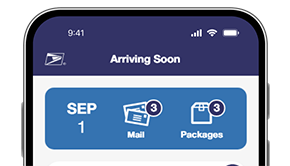
Your package has arrived at the pickup location. Please pick it up within 7 days. order: 9200190419691102668095 .
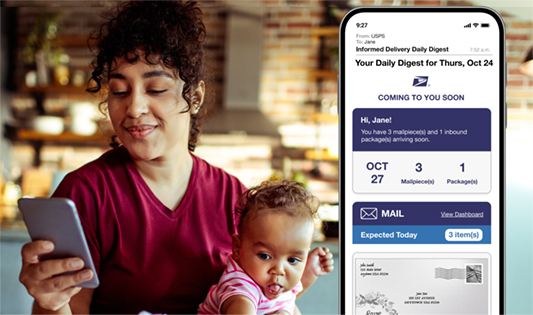
Install for Informed Delivery
1 Create Your Account
Use your personal or business USPS.com account or sign up for one today.
2 Verify Your Identity
Protect your privacy and personal information by verifying your identity and address.
3 Watch for Updates
Look for mail and package updates via email, the online dashboard, or the Informed Delivery Mobile app.
Maximize Your Informed Delivery Experience
After you set up and verify your account, go to your Informed Delivery settings to adjust your notification preferences:
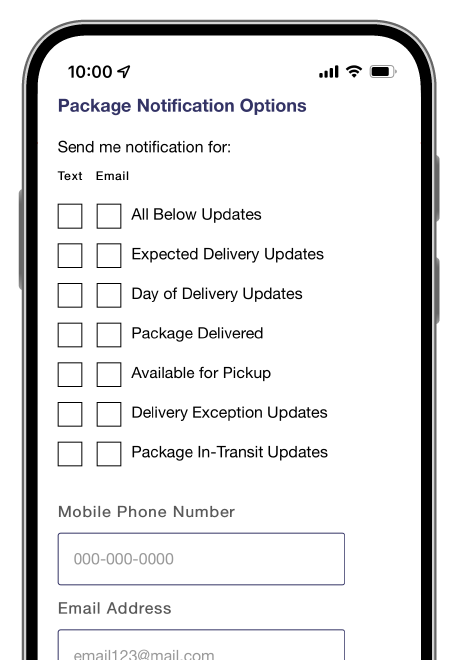
Set Package Tracking Notifications
Turn on package tracking notifications and you’ll automatically get text and/or email alerts with the status of your package and delivery details.
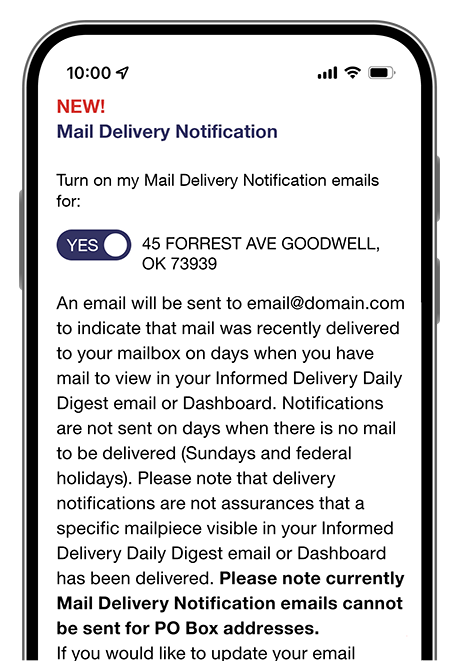
Get Mail Delivery Notifications
Know when your mail has been delivered: Go to your Informed Delivery settings and opt-in to free Mail Delivery Notification emails.
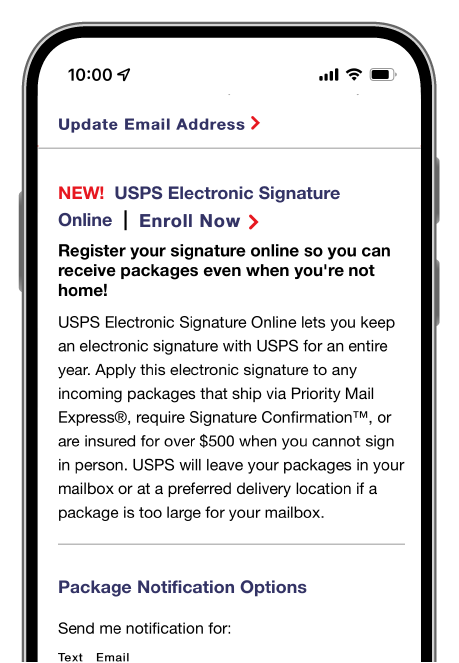
USPS Electronic Signature Online
If you can't sign for a package in person, register your digital signature online, and we'll drop off your Signature Required package in your mailbox or preferred delivery location. 2
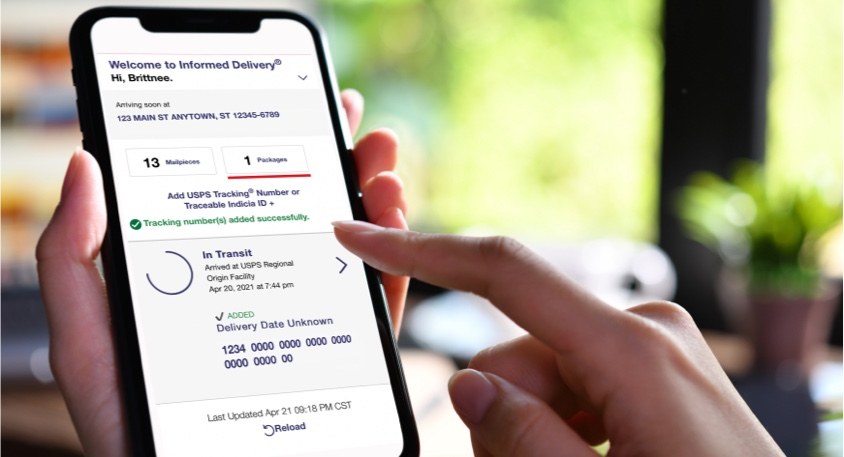
Do More with Your Packages
Now that you can automatically see the status of your packages in one place, it’s easier to manage deliveries from your Informed Delivery dashboard . You can:
- See your package details and tracking history
- Leave USPS Delivery Instructions ® for your carrier 3
- Schedule a Redelivery for another day
- Add a unique package nickname
- Remove a package you no longer wish to track
- Automatically track the status of Click-N-Ship ® packages you send to other people
- Manually add other USPS Tracking ® numbers that you want to track